

Step 9: Register the Connector in AppFlow
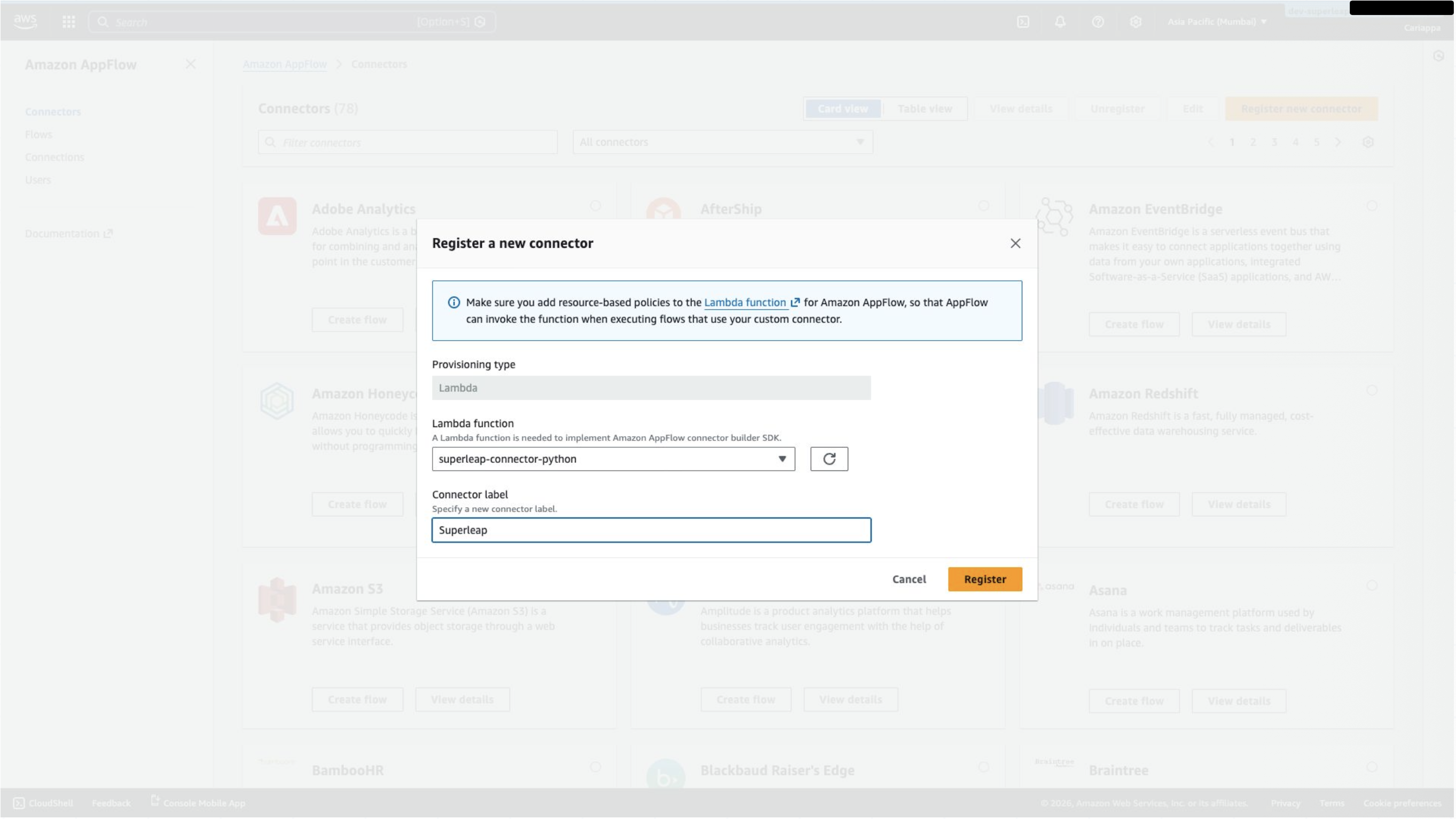
- Go to AppFlow → Connectors → Register new connector
- Choose the Lambda function created during setup
- Provide a suitable label for the connector
Step 10: Create a Connection
- Create a new connection using the registered connector
- Set the API key field to
api_key - Enter the URL provided by Superleap
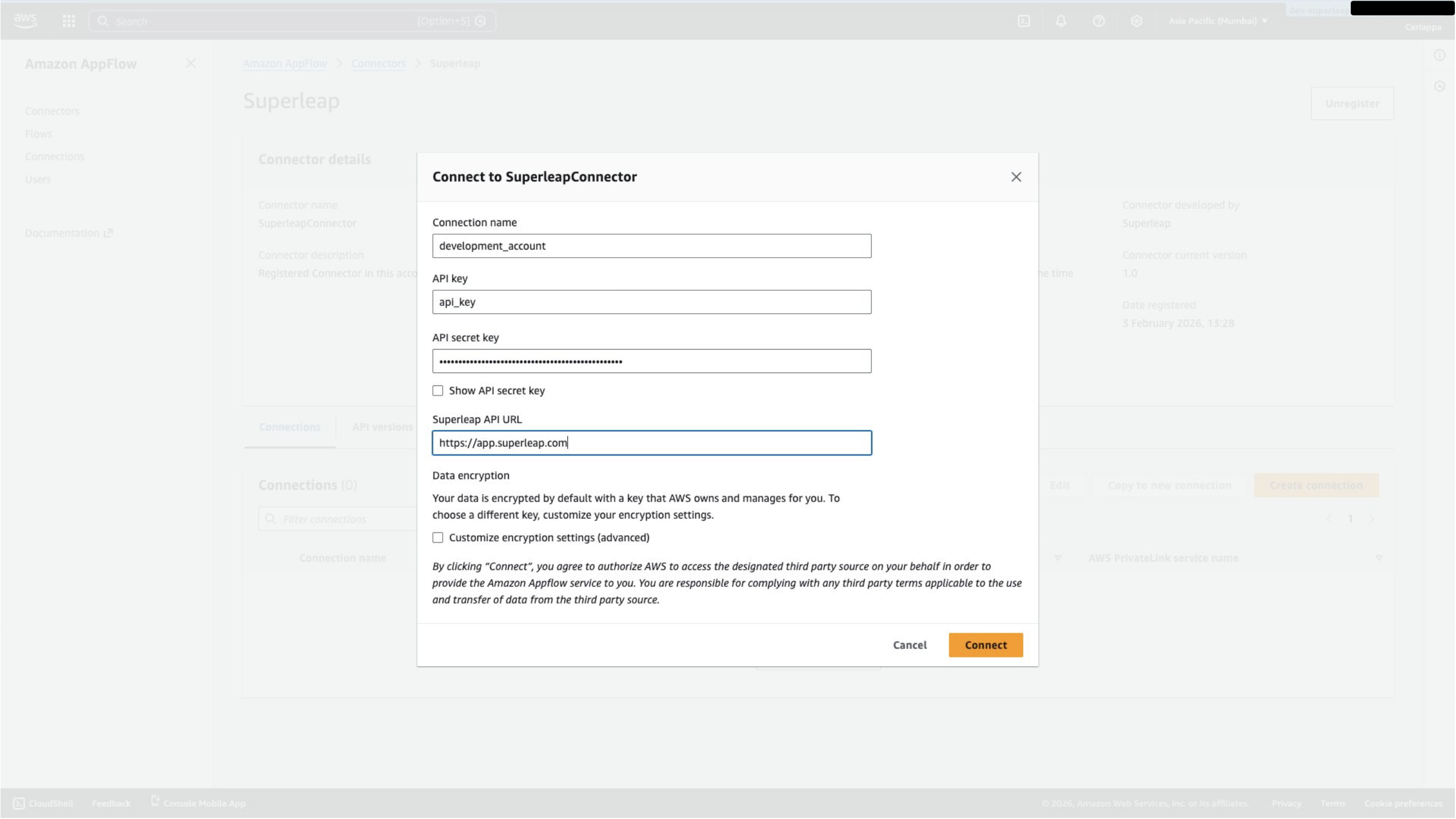
You can use your own API secret key from Superleap → Settings → Organisations & API Access → API Access. Alternatively, request one from your account manager.